













Beam Eye Tracker 2.6: Native Linux and macOS support
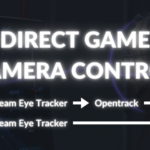
Beam Eye Tracker 2.6 brings native support for Linux and macOS. The new Game Connection
Read more about Beam Eye Tracker 2.620% OFF
New Linux & macOS support!
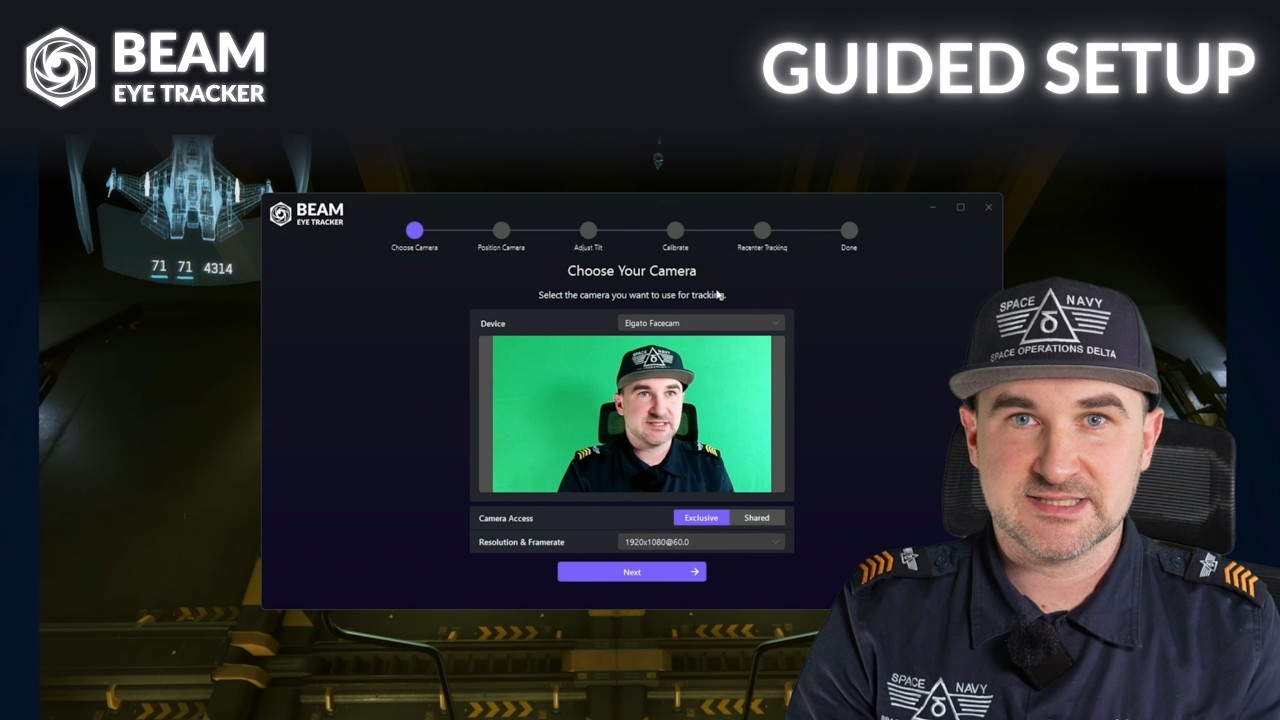
Install Beam and follow the guided setup inside the app.
Start or restart your game to control the in-game camera with your head and eye movements.
Most games work instantly. A few need a quick setting change. Check our game guides. See our guides for profile tweaks and advanced settings.
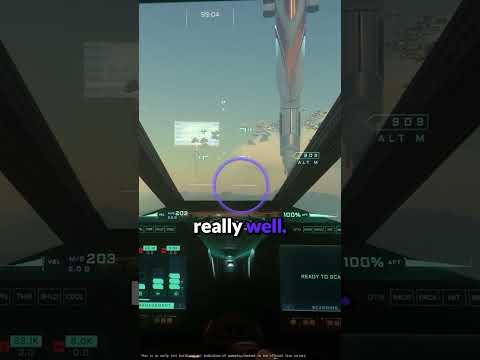
Glance at mirrors, peek around corners, look into a turn. The camera follows your eyes. Leading AI-powered webcam eye tracking technology now made available for gaming.
Yaw, pitch, roll, plus lean forward, sideways, and up. Use it on its own or combined with eye tracking.
Games see the Beam Eye Tracker directly. No third-party software running alongside.
Turn your phone into a webcam using built-in options for Android or iOS, or download a webcam app. For iOS devices with Face ID, we built the Beam Eye Tracker iOS app with offloaded processing.
Pause, resume, and recenter tracking without leaving your game. Assign any key, shortcut, or button on your peripherals.
Browse and download Immersive Camera profiles shared by the community. Find a profile for your game and use it as your starting point.
Never lose your cursor between monitors. Look at a screen and your mouse follows automatically.
Press a hotkey and your cursor teleports to where you're looking. Less mousing, more doing.
Blur or dim the parts of your screen you're not looking at. Toggle it on and off with a hotkey.
Automatically locks your screen when you step away. Your data stays protected without you thinking about it.
All processing happens locally on your device. No biometric data is generated or stored.
We’re based in Switzerland, home to some of the world’s strictest privacy laws.
Yes. We offer a 14-day money-back guarantee, and there's also a free demo available on Steam if you have a Steam Level 1 account.
If you don't have a webcam, try it first with a webcam app and your phone to make sure you're happy before buying a webcam. If you encounter issues, join our Discord server for support or reach out to [email protected].
Yes.
We offer a 14-day money-back guarantee for purchases of the standalone version from our website. Email [email protected] to request a refund.
If you purchased on Steam, refunds are handled directly by Steam under their policy: Steam Refund Policy.
For most users, a standard 720p webcam, built-in or external, is a cost-effective and instant option. It offers solid performance and simple setup at 30 FPS. You can also use free apps that turn your phone into a webcam.
Test the Beam Eye Tracker first with the free demo on Steam or our 14-day money-back guarantee. Make sure you are happy with the app before buying any hardware. If the demo does not run, contact us for help.
Yes. Most users with glasses have no issues. Strong prescriptions or glare from lenses can reduce accuracy slightly, and thick frames may block your eyes at certain angles. If that happens, try positioning your webcam below the monitor instead of above it.
Either way, you can try it risk-free. The standalone version comes with a 14-day money-back guarantee, and Steam offers a free demo.
No, the Beam Eye Tracker does not generate or store any biometric data.
Beam Eye Tracker 2.6 brings native support for Linux and macOS. The new Game Connection
Read more about Beam Eye Tracker 2.6